 COME
COME APK download: check the first opening after installation
Complete the COME APK installation, then verify the app entry, first opening and account route as separate checkpoints.
COME APK details
- App name: COME.
- Platform covered: Android APK.
- Listed version: v1.13.
- Listed file size: 3.1MB.
- APK information reviewed: 20 September 2026.
Compare the offered file with these details before installing. The displayed version and size describe the listing; installed storage can be larger. Use the requirements shown with the current file to assess your device.
Before this download or update
- Check Android's installation outcome.
- Identify an app entry rather than only a webpage shortcut.
- Read first-open permissions in context.
Download and install in order
- Open the external COME app page and inspect its address and current options. A page opening is the first step, not a completed file transfer.
- If an Android APK is offered, check the file details and let one transfer finish. Review the browser download status before opening the saved file.
- Open the completed file with Android. Read the app identity, requested permissions and any warning. Device menus vary; allow an installation source only when you recognise and trust it.
- Keep Google Play Protect enabled. If Android blocks the file as harmful, stop and use the device guidance instead of bypassing the protection.
- After Android reports installation complete, open the app and check that the expected account and menus are available. Keep recovery access if you already use COME.
When the app opens but sign-in fails
Quote the account error separately from the installer result. Another APK download does not reset a forgotten password, and clearing data can remove useful local access.
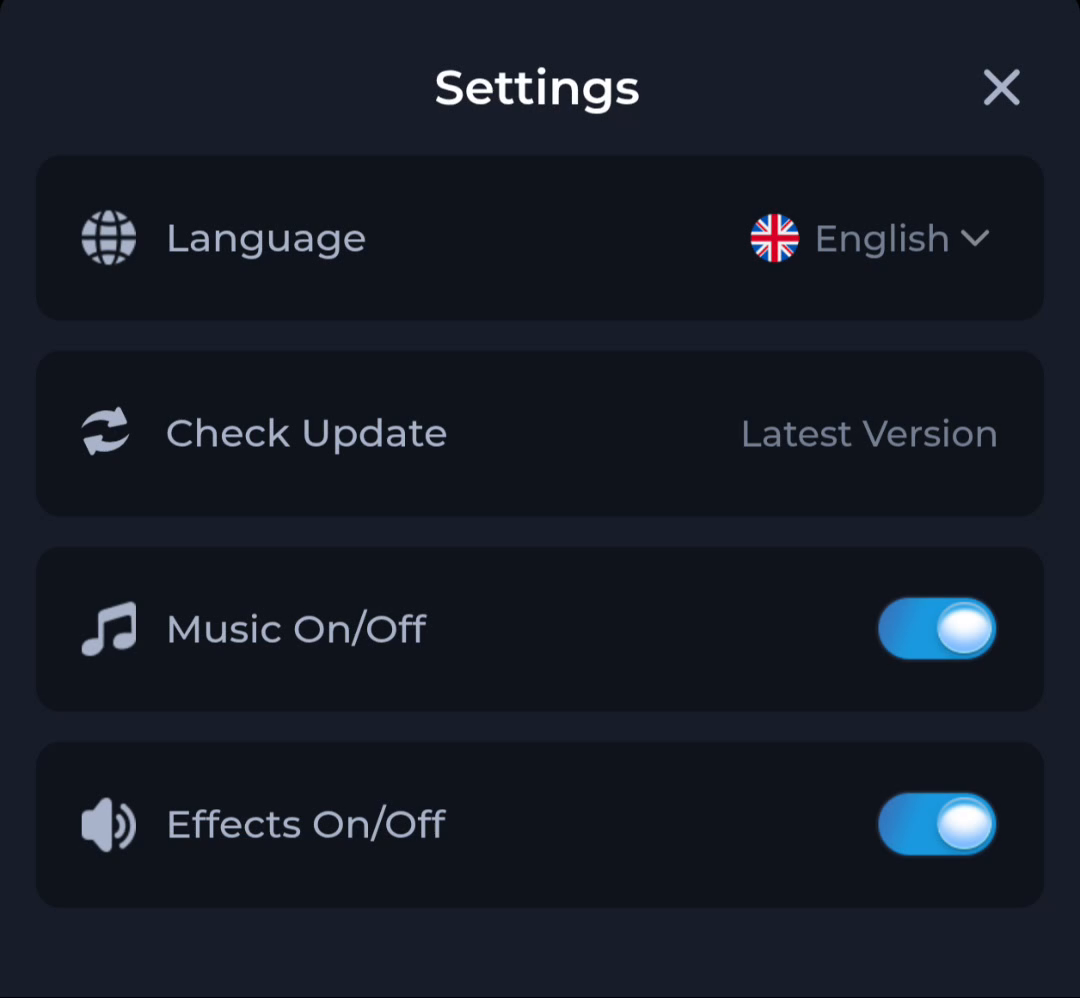
Check Update is an action in Settings. The words “Latest Version” beside it are a status label; use an actual version number when comparing releases.
COME installed but no Home-screen icon appears
Device checks and further help
Google recommends obtaining apps from Google Play and keeping Play Protect on. For an APK from another source, review the origin and the Android prompt carefully. Do not turn off protection or delete a working installation to force a different file to install.
Read Google Android installation guidance
Read Google Play Protect guidance
Open the current COME entry
The button opens the external app page. Review the destination and its current eligibility and service terms before continuing.