 COME
Forgot COME password: recovery versus another download
A forgotten password is an account-access problem. Use the current recovery route rather than assuming another APK download will reset the account.
Start from the login page
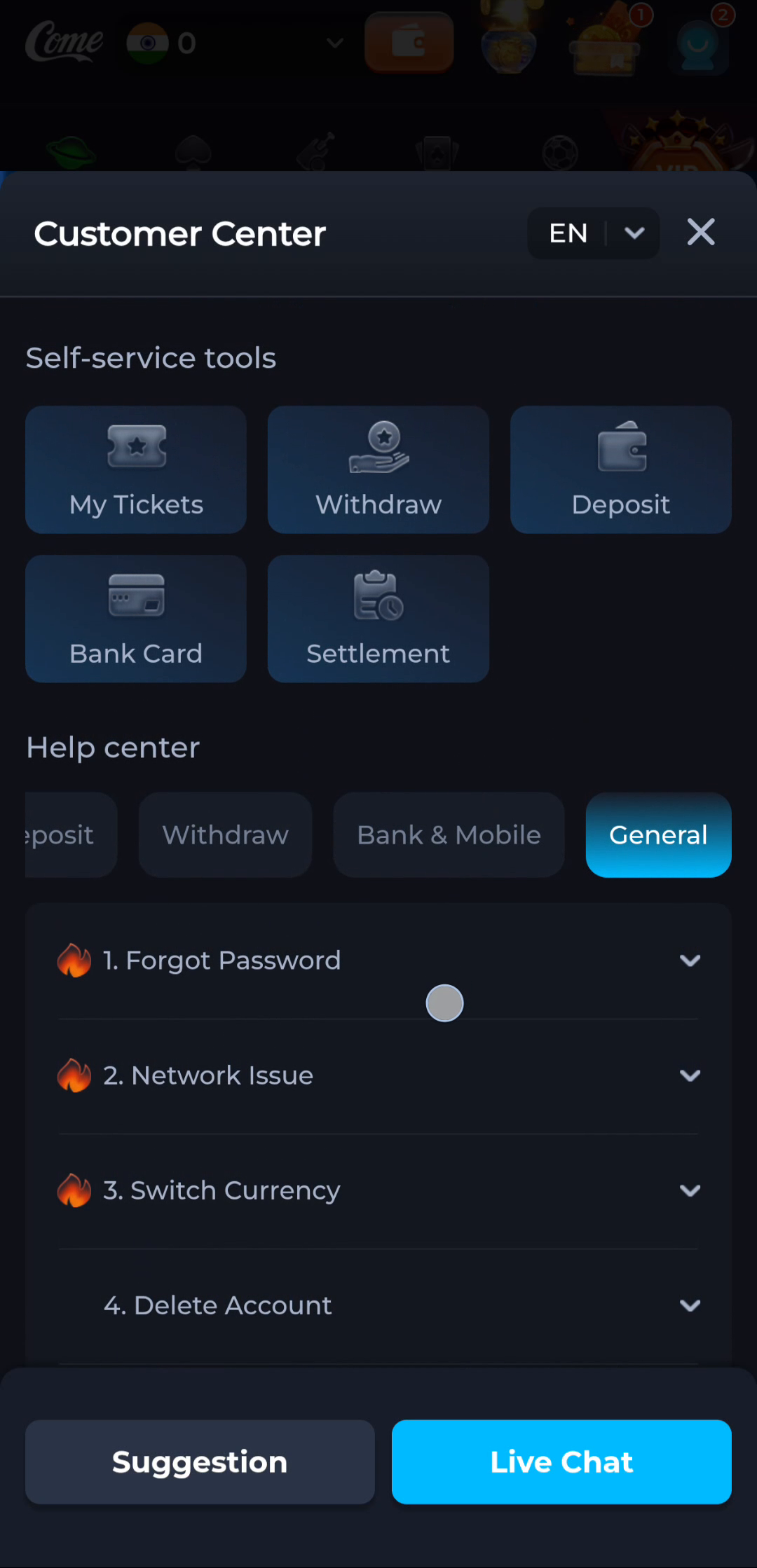
The Forgot Password help points to the login page's reset route. Use an account identifier and recovery method that belong to you. Check the current instructions; do not rely on an unsolicited message offering to recover the account.

Keep verification private
One-time codes are used to confirm access and should not be sent to someone who contacts you unexpectedly. A support explanation can describe a missing or rejected code without including the code itself.
Avoid changing several things
Repeated reinstalls, new accounts and password attempts can make the situation harder to describe. First note the exact recovery step that fails. If the normal route does not work, use the service's displayed help channel.
A useful next step
Return to the account-recovery step once you can identify the method and the specific error.